



SlotShake Mobile Casino: Full Access on iPhone and Android — No App Required
There is no SlotShake app in the App Store or Google Play, and players searching for one are not missing anything: the casino is built browser-first, which means the complete lobby, cashier and account tools run on any modern iPhone or Android phone with nothing to install. One account covers every device — balance, bonuses and history stay in sync between phone and desktop. The sections below cover setup in sixty seconds, what the mobile lobby actually contains, paying with Apple Pay and Interac on the go, and what to do when something misbehaves. 19+ (18+ in AB, MB, QC).
Setting Up on a Phone in Sixty Seconds

The browser-first model has practical advantages an app cannot match: no storage cost, no version updates, no app-store region locks, and instant access to every new game the moment it ships. Some third-party reviews list "no dedicated app" as a drawback — experts who measure install friction tend to score it the other way.
A note on what "browser-first" means in practice. The site is engineered as a progressive web experience: interface elements are sized for thumbs, menus collapse into a single reachable bar, and the cashier remembers the player's preferred rail so a repeat deposit takes three taps end to end. None of this requires permissions, storage access or the personal data an app installation typically requests — a privacy point that security-minded players tend to appreciate once it is spelled out.
iPhone Setup via Safari
- Open slotshake.com in Safari — the official domain, worth bookmarking to avoid lookalikes.
- Log in, or register in about two minutes (the account creation guide walks through each field).
- Tap the Share icon, then Add to Home Screen.
- The icon now opens the lobby full-screen, behaving like an installed app.
The home-screen shortcut keeps the session cookie, so returning players land in the lobby already signed in unless they log out deliberately — recommended on shared devices.
Android Setup via Chrome
- Open slotshake.com in Chrome.
- Sign in to an existing account or complete registration.
- Open the Chrome menu (⋮) and choose Add to Home screen.
- Confirm — Android installs it as a progressive web app with its own icon and splash screen.
Chrome may offer notifications for tournament starts and bonus expiry; these are optional and can be revoked in Android settings at any time without affecting play.
One Account Across Every Screen
Credentials, balance, wagering progress and self-set limits are account-level properties, not device-level ones. A bonus claimed on desktop continues clearing on the phone, and a deposit limit set on the phone binds the desktop session equally.
What the Mobile Lobby Actually Contains
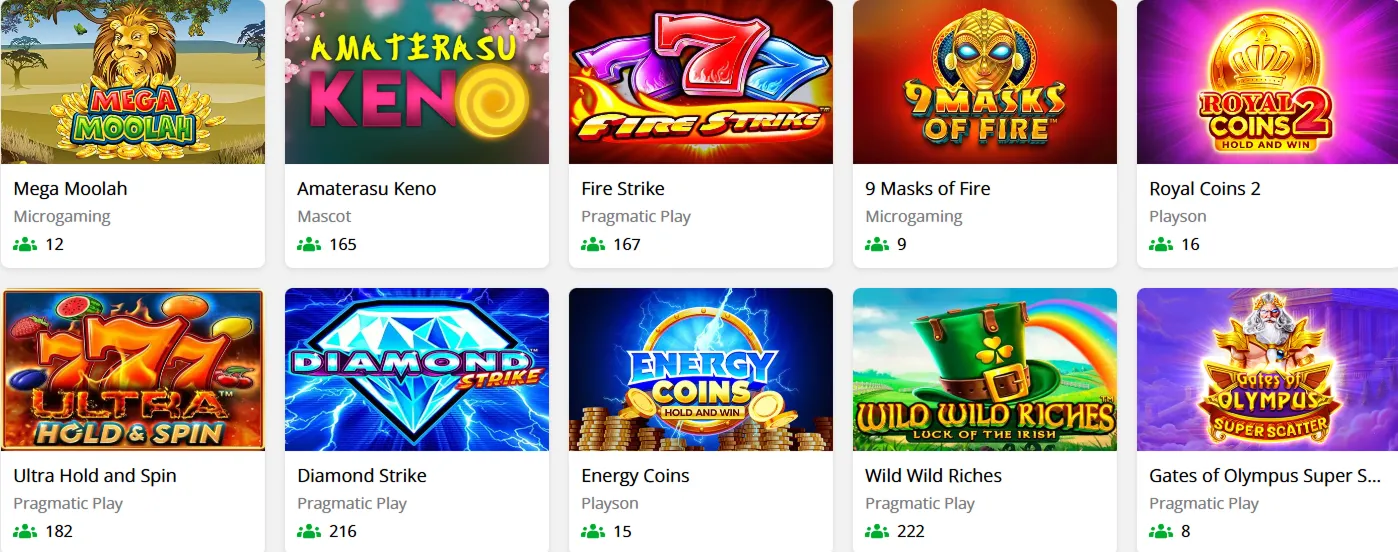
The honest answer — the kind third-party reviews rarely give — is "almost everything, with documented exceptions." The slots catalogue, including Mega Moolah, Temple Tumble Megaways, Ultra Hold and Spin and the high-RTP NetEnt classics, is fully playable in portrait mode with touch-optimised controls. Live dealer tables from Winfinity and LuckyStreak stream in mobile layouts with tap-to-bet interfaces. Demo mode works on every slot, so testing a game on the bus costs nothing.
| Category | Desktop | Mobile |
|---|---|---|
| Video slots and jackpots | Full catalogue | Full catalogue |
| Live dealer tables | All tables | All tables, portrait layouts |
| Classic table games | Full selection | Most titles; a few legacy ports excluded |
| Demo mode | Yes | Yes |
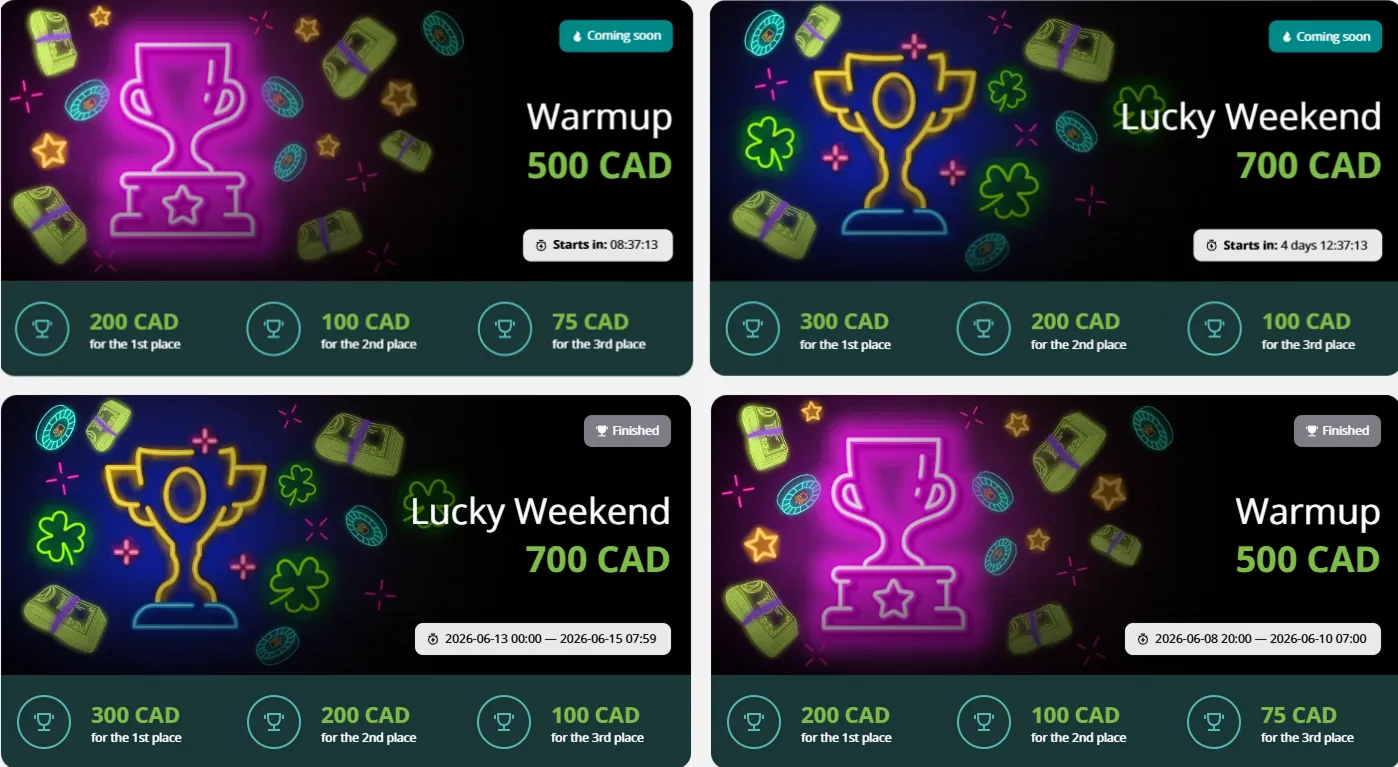
| Tournaments and leaderboards | Yes | Yes, live-updating |
The excluded titles are older desktop-era builds that never received touch controls. Their number shrinks with each catalogue update, and the lobby's filters — provider, popularity, mechanic — work identically on small screens, as does search. Anyone who wants the complete picture can browse the full game library with the mobile filter applied.
Two smaller observations complete the lobby picture. First, game thumbnails load lazily, so scrolling deep into the catalogue does not pre-download hundreds of images — useful on metered connections. Second, the "recently played" row syncs across devices, meaning a slot discovered on desktop is one tap away on the phone the next morning. Small conveniences, but they are the kind that separate a designed mobile casino from a shrunken desktop site.
Paying from the Couch: Apple Pay, Google Pay and Interac
Mobile is where the cashier earns its keep. Three rails dominate phone-based deposits, each suited to a different habit.
| Method | Minimum | Speed | Best suited to |
|---|---|---|---|
| Apple Pay / Google Pay | C$10 | Two taps, instant | Quick top-ups without typing card numbers |
| Interac e-Transfer | C$10 | Minutes, from the banking app | Players who keep everything inside their bank |
| Skrill / Neteller | C$10 | Instant | Fastest withdrawals (~24 h after approval) |
The Interac flow deserves a sentence of its own: the deposit is initiated at the casino but confirmed inside the player's own banking app, which many consider the most comfortable security model available — no card details ever touch the casino's form. Limits run from C$10 to C$10,000 per transaction across rails, and withdrawals requested from a phone follow exactly the same 48-hour processing window as desktop requests.
One genuinely mobile advantage: identity verification. The documents required before a first withdrawal — photo ID, a recent statement, a selfie — are far easier to capture with a phone camera than a desktop webcam. The step-by-step guide to uploading KYC documents from your phone shows the photo standards that pass review on the first attempt.
Bonuses in the Mobile Interface
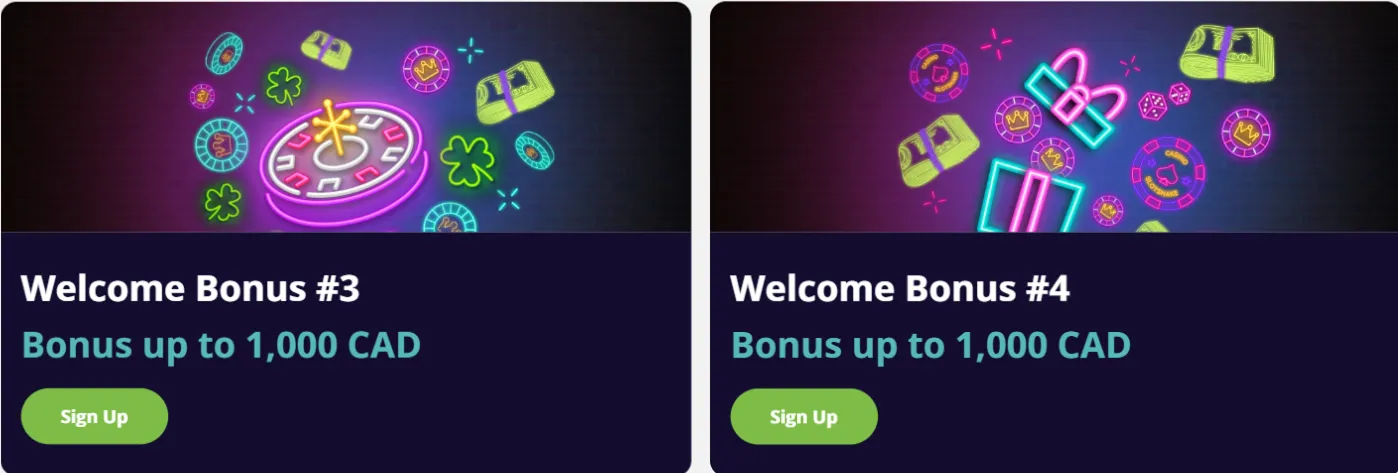
Every promotion is claimable from the phone; the only question is where things live. The Promotions tab sits in the lobby's main menu, and the critical rule applies on every screen size: opt in before depositing — a deposit sent first earns nothing after the fact, and no support ticket can rewind it. After claiming, the wagering progress bar appears in the account dashboard, updating in real time as eligible bets clear. The 150 free spins on Ultra Hold and Spin play natively in portrait mode, 30 per day across five days. For the conditions themselves — multipliers, game weighting, expiry — the canonical reference is the wagering requirements explained page; this guide covers only where the buttons are.
Timing matters as much as location. Free spins expire on their daily schedule whether or not they are used, so players who claim the welcome package should plan five short sessions rather than one long weekend binge. The dashboard shows exactly how many of the day's 30 spins remain, and push notifications — if enabled during Android setup — can serve as a same-day reminder before the batch lapses.
Performance: Speed, Data and Battery
The mobile lobby is deliberately light. On a typical LTE connection, the lobby loads in low single-digit seconds; a slot session consumes data in the tens of megabytes per hour, while a live dealer stream costs more — comparable to standard-definition video — and rewards a Wi-Fi connection. In low-power mode, slots run normally; live streams may reduce quality rather than disconnect. Players on capped data plans can treat demo slots as the cheap option and live tables as the one worth saving for Wi-Fi. These figures are measured, not promised, and they explain why a browser casino can feel quicker than many native apps wrapped around the same content.
When Something Misbehaves: Mobile Fixes

- A game will not load — clear the browser cache or open a private tab; cached files from an older game version are the usual culprit.
- A live table keeps dropping — the stream needs a stable connection; switching from congested Wi-Fi to LTE (or the reverse) resolves most cases.
- The SMS code never arrives — wait two minutes before requesting another; duplicate requests invalidate earlier codes.
- The screen will not rotate — most slots are portrait-locked by design; live tables honour the device rotation lock, so check that first.
- A deposit shows as pending — Interac transfers occasionally take a few extra minutes; if thirty minutes pass, live chat can trace the transaction by its reference number.
Login-specific problems — forgotten passwords, locked accounts — have their own dedicated section in the account access guide, and live chat remains the fastest route for anything not listed here, with email replies arriving in roughly three hours.
For problems that resist every fix above, support holds two pieces of diagnostic gold: the device model and the browser version. Including both in the first message — "iPhone 13, Safari 17, Temple Tumble will not start" — routinely cuts the back-and-forth from four messages to one, because the team can reproduce the exact environment instead of guessing at it.
Responsible Play in Your Pocket
A casino in a pocket is always within reach, which is exactly why the limit tools matter more on mobile than anywhere else. Deposit limits, cooling-off periods and self-exclusion (one month to five years) are all available from the mobile account menu, and a limit set in a calm moment binds every impulsive one that follows. Reality-check reminders can be enabled to interrupt long sessions. ConnexOntario, the Responsible Gambling Council and GamTalk all provide help that is free and confidential — and reaching out early is the move experts consistently endorse.
One closing habit worth adopting: review the session history after mobile play just as on desktop. The account menu lists every bet, deposit and withdrawal with timestamps, and a weekly two-minute glance keeps the entertainment budget honest in a way that memory alone never quite manages.
Frequently Asked Questions
Is there a SlotShake app for iOS or Android?
No, and none is needed. The casino runs fully in the mobile browser, and the Add-to-Home-Screen shortcut gives it an icon, full-screen mode and app-like behaviour without an install.
How is SlotShake added to a phone's home screen?
On iPhone: Safari → Share → Add to Home Screen. On Android: Chrome → menu (⋮) → Add to Home screen. Both take under a minute and keep the player signed in.
Are Apple Pay and Google Pay deposits supported?
Yes — both work from C$10 per transaction and confirm in two taps. Withdrawals return through a linked method such as an e-wallet, card or Interac.
Do the welcome free spins work on mobile?
Yes. The 150 free spins on Ultra Hold and Spin are credited 30 per day for five days and play natively in portrait mode; winnings land in the bonus balance under the standard wagering rules.
Why would a game refuse to load on a phone?
Stale cache is the most common reason — clear it or use a private tab. If the problem persists across games, the connection is usually at fault; live chat can confirm whether a specific title is under maintenance.
Your casino, one tap away. Open slotshake.com in the phone's browser, log in, and add it to the home screen — the full lobby, Apple Pay deposits and the same 48-hour payout clock, no downloads attached. 19+. Play responsibly.